

Every financial advisor I talk to says some version of this: “Our systems don’t talk to each other.”
You’ve invested in good software. A CRM. Financial planning tools. Email marketing. Scheduling apps. Slack for internal communication. Google Drive for document storage. Maybe Google Sheets for tracking edge cases. Over time, you’ve added what you needed.
Individually, each tool works.
Together, they create friction that compounds quietly in the background of your firm.
A prospect fills out a form and someone manually copies the data into your CRM. A client updates their email address in Mailchimp, but the old one still lives inside your system of record. A team member logs notes in a project management tool like Trello and assumes everyone else sees the update.
They don’t.
The damage isn’t loud. It’s subtle. A missed follow-up. A delay in response. A spreadsheet export that takes twenty minutes to clean up. A new email that never gets added to the right automation sequence.
When you’re managing real money and real relationships, subtle errors add up.
And if you’re scaling past $100M AUM, adding team members, or tightening operations before your next growth push, disconnected systems stop being an annoyance.
They become a ceiling.
Ceilings are expensive.
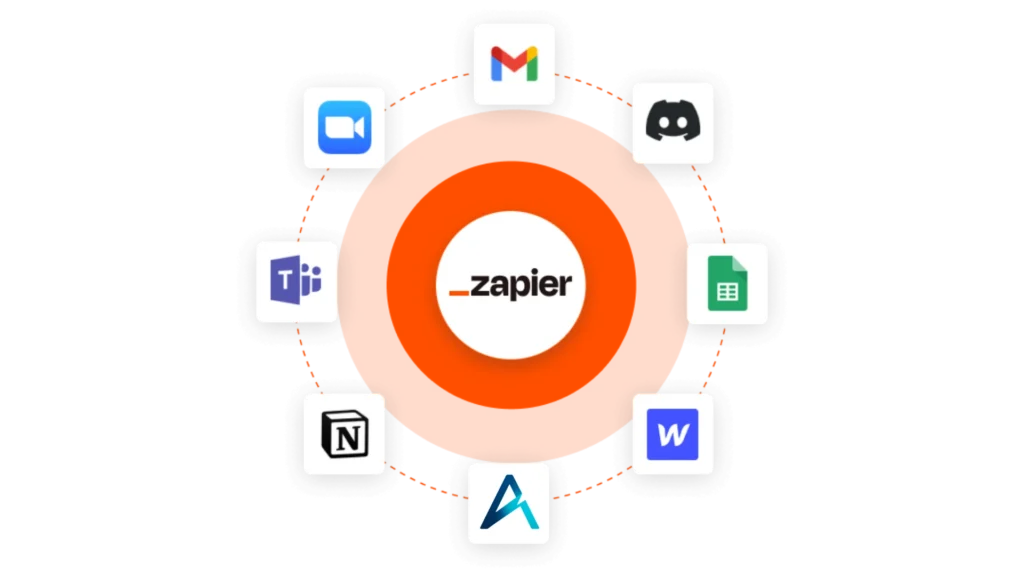
The Bridge: Altitude CRM + Zapier
This is where the Zapier integration changes the equation. Zapier is an automation platform that connects more than 10,000 apps. Not ten. Not a hundred. Ten thousand.
Through simple no-code automation, you create automated workflows called Zaps. When something happens in one system, Zapier triggers an action in another. No custom development. No waiting on a complicated API project. No hiring engineers just to move data from point A to point B.
You can use Zapier to connect Altitude CRM to Gmail, Google Calendar, Slack, Trello, Mailchimp, HubSpot, Dropbox, Google Sheets, Salesforce, and thousands of other app integrations across the Zapier platform.
When a prospect becomes a new lead, their contact can be created automatically inside Altitude CRM.
When a client books a meeting in Google Calendar, the activity can log in real-time.
When information changes in a spreadsheet, it can update your CRM instantly.
This is workflow automation without code. And for a growing advisory firm, that’s operational leverage.
From Repetitive Tasks to Automated Workflows
Before Zapier integrations, here’s what often happens.
You export a spreadsheet. You reformat columns to match your CRM. You upload it. You fix the errors. You repeat the process next week.
It feels harmless at first.
Then you multiply it by every campaign, every event list, every intake form, every new lead. Repetitive tasks creep into your day and quietly steal hours from your team members.
Now imagine something different.
A prospect completes an intake form. Zapier sends the data directly into Altitude CRM using secure authentication and API keys. A new email subscriber joins through Mailchimp and the CRM updates automatically. A support ticket in your customer support system triggers a notification in Slack and updates the contact record.
No spreadsheet gymnastics.
No manual double entry.
No wondering if someone remembered to copy the data.
That’s what automated workflows actually mean. They save time, reduce human error, and improve the user experience across your entire CRM ecosystem.
Cleaner Data Across Your Entire CRM Ecosystem
Advisors say data matters.
Few firms maintain it well because disconnected systems make it difficult.
With Zapier workflows connected to Altitude CRM, contact updates don’t live in isolation. Email changes, phone updates, tag adjustments, status shifts. They move across platforms in real-time.
Instead of five slightly different versions of the same contact living in HubSpot, Salesforce, Google Sheets, or your project management board, your CRM reflects the latest truth.
That alignment builds confidence inside your firm.
When you open a record in Altitude CRM, you trust what you see. Your team trusts it too. And trust in your data supports better decisions, better segmentation, and better conversations.
Real Use Cases Financial Advisors Care About
Let’s make this practical.
A new lead fills out a form on your website. Zapier pushes that data into Altitude CRM instantly. Your team receives Slack notifications. Follow-up happens while interest is high.
- A client uploads documents into Dropbox or Google Drive. A Zap triggers an update to the client record.
- A task created in Trello syncs back to the contact inside your CRM so everyone has visibility.
- A new email hits Gmail and automatically creates or updates a record. No one has to remember to log it.
And because Zapier is a no-code automation tool, your team can build and manage these zaps without waiting on developers. You can start with templates, adjust fields, configure permissions, and create custom integrations that match how your firm actually works.
Control, Permissions, & Security
Whenever automation comes up, a lot of advisors ask the same question: What exactly is moving?
With Zapier, you define the trigger. You define the action. You define the fields that sync. You control permissions and determine how data flows through webhooks or API connections.
Altitude CRM remains your system of record.
Automation doesn’t remove visibility. It increases it. You can see when records update. You can monitor changes. You decide which automated workflows run and which don’t.
For firms operating in heavily regulated environments, that control matters. Clear documentation. Clear ownership. Fewer manual touches. Fewer opportunities for human error.
When configured properly, automation strengthens your operational discipline.
This Is About Growth, Not Gadgets
It’s easy to look at Zapier integrations as a technical upgrade.
That misses the point.
Workflow automation is operational leverage. Clean CRM data leads to sharper marketing. Sharper marketing leads to better conversations. Better conversations improve conversion. Conversion drives growth.
Most advisors focus on lead generation.
Fewer focus on operational efficiency.
The firms that scale well do both.
Zapier gives Altitude CRM access to more than 10,000 apps, but the number itself isn’t the story. The story is that your systems stop fighting each other. Your team stops wasting motion. Your CRM reflects reality in real-time.
Growth becomes repeatable.
And repeatable growth is what serious firms care about.
You Don’t Need a New Tech Stack. You Need a Connected One.
You don’t need to abandon your current tools. You don’t need to rebuild your tech stack from scratch.
You need your ecosystem working together.
Use Zapier to connect Altitude CRM to the apps you already rely on. Streamline updates. Automate repetitive tasks. Improve communication between team members. Reduce the spreadsheet burden.
If you already have a Zapier account, you can begin building zaps immediately. If you’re new, our team can walk you through setup, authentication, and practical tutorials tailored to financial advisors.
Bring your stack.
We’ll show you how to turn disconnected tools into one coordinated system that supports growth instead of slowing it down.