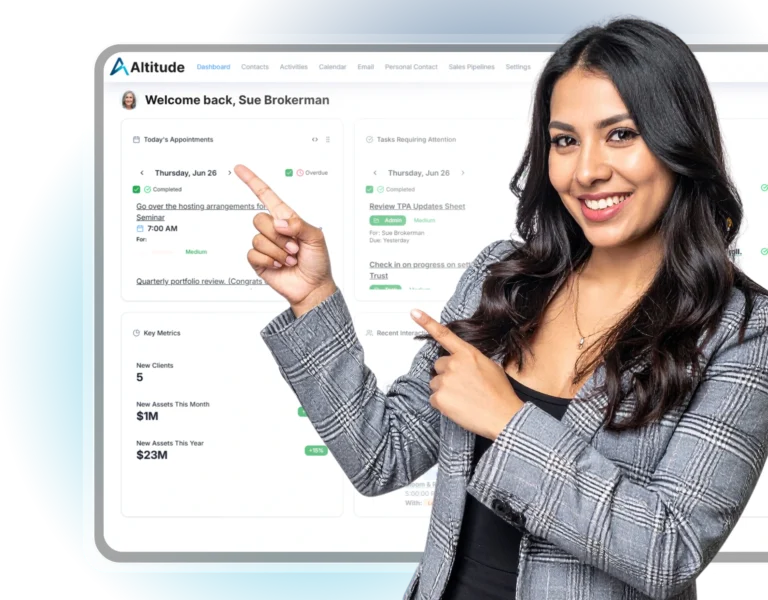
Request a Migration
Switching has never been easier.
Let’s get you on the trail.
We built Altitude to make your climb smoother and that starts with moving your data over safely, securely, and without the usual headaches. Request a migration.
How it works
3 Easy Steps
No steep learning curve. No risky transfers. Just a smooth start with Altitude.
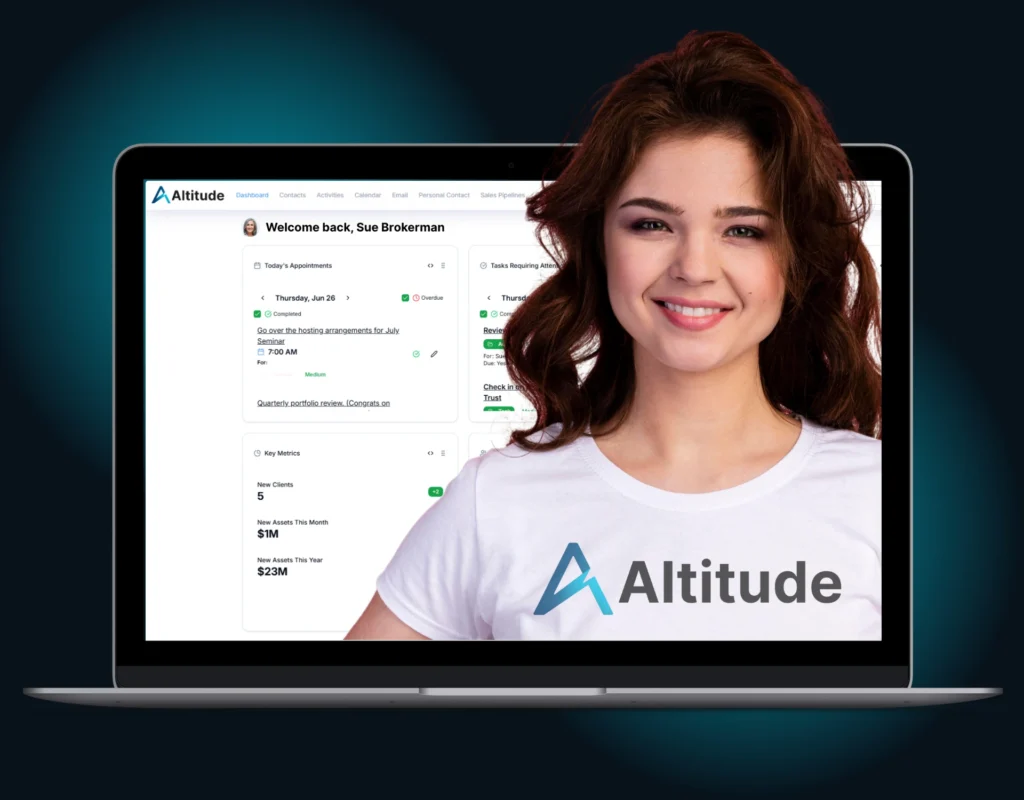
1. Migration Kickoff Call
We chart the course together. An Altitude migration specialist will walk you through what to expect, review your existing CRM setup, and answer any questions. We’ll confirm which data is moving over and ensure the transition is smooth from day one.
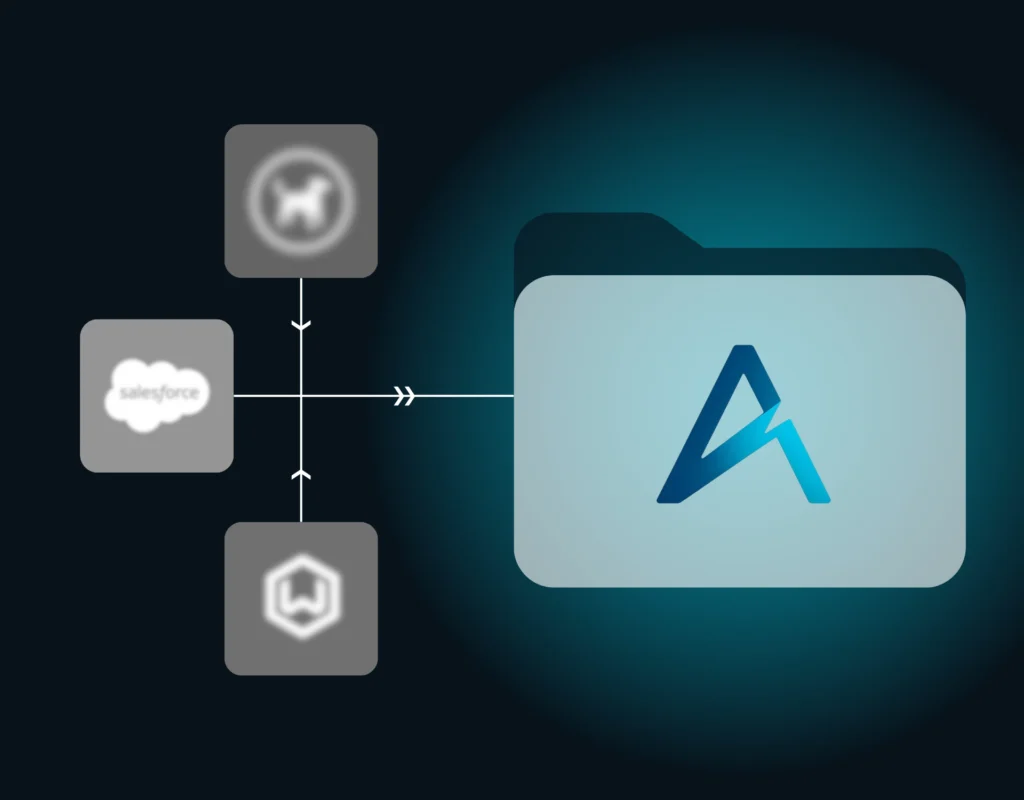
2. Secure Data Transfer
We handle the heavy lifting. Our migration team maps your data from your current CRM into Altitude with accuracy and care. We validate each import to maintain integrity, minimize downtime, and keep your records perfectly intact.
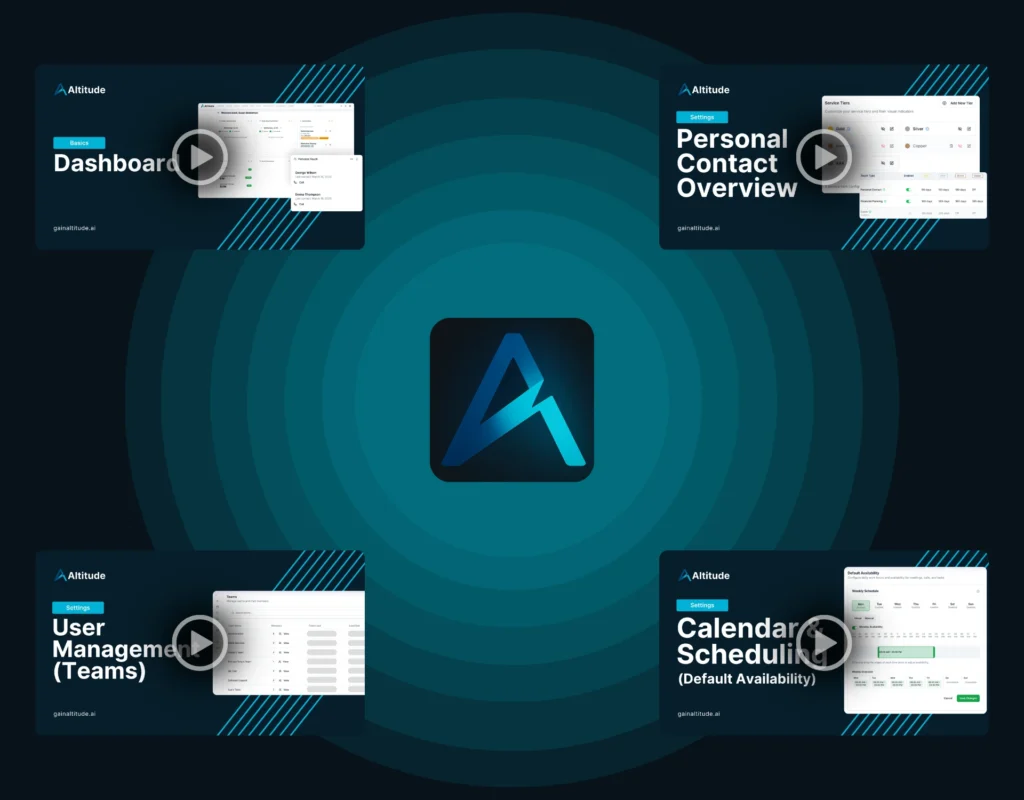
3. Onboarding & Orientation
You’ll never climb alone. Once your data is in place, you’ll get access to guided tutorials, personalized support, and training resources. We’ll help you and your team get up to speed fast so you can start working smarter right away.
Join the hundreds of advisors already climbing higher with Altitude.
Our migration process is fast, precise, and backed by decades of experience in CRM transitions and advisor operations. Request a migration and you’ll be up and running in no time — with your data exactly where you need it.
Which CRMs can you migrate from?
We support migrations from a wide range of CRMs used by financial advisors, including G5, Redtail, Salesforce, SmartOffice, Wealthbox, and more. If you’re not sure whether your current system is supported, our team is happy to review it with you.
Will you import all of my contact data?
Yes. We migrate key contact and household data including names, emails, phone numbers, addresses, important dates, tags, notes, tasks, and more. If your current CRM stores something unique, we’ll walk through it during the planning call to ensure nothing important is left behind.
What exactly will migrate from my previous CRM?
We migrate the essentials you rely on: contact records, household relationships, notes, tasks, categories (as tags), opportunity data, and service information when applicable. We’ll provide a detailed list of what’s included, and let you know if anything will need to be rebuilt inside Altitude.
Is there anything that won’t migrate?
Some items — like campaign histories, saved filters, and certain custom reports — may not transfer automatically. During your planning call, we’ll clearly outline what can be migrated and help you prepare for anything that may need to be recreated.
What if my current data is a little messy?
Think of it like packing for a hike — the lighter and more organized your gear, the easier the climb. Before we migrate your data, we recommend reviewing your contacts, merging duplicates, and clearing out what you no longer need. We’ll help you bring only the essentials, so your experience in Altitude is clean, fast, and efficient from day one.
How long will my data migration take?
Most migrations are completed in 5 to 10 business days after we receive your data export. The timeline depends on the size and complexity of your database, but our goal is always a fast and smooth transition.
Can I do the migration myself?
Yes, you can. If you’re comfortable exporting your data and uploading it into Altitude, we provide step-by-step guidance to help you through it. That said, our team is here to walk alongside you if you’d like support. Whether you want a full handoff or just someone to double-check your steps, we’re here to make the transition as seamless and stress-free as possible.

Book a personal tour with our team and discover how Altitude can help you save time, grow faster, and serve clients better — all with the power of AI at your side.