Momentum continues to build inside Altitude this week. Our focus has been on refining the tools advisors use most, restoring key features, and improving the small details that make a big difference in daily workflow.
This release is about polish. Every improvement brings the platform closer to feeling effortless, connected, and ready for the next phase of growth.
What’s New
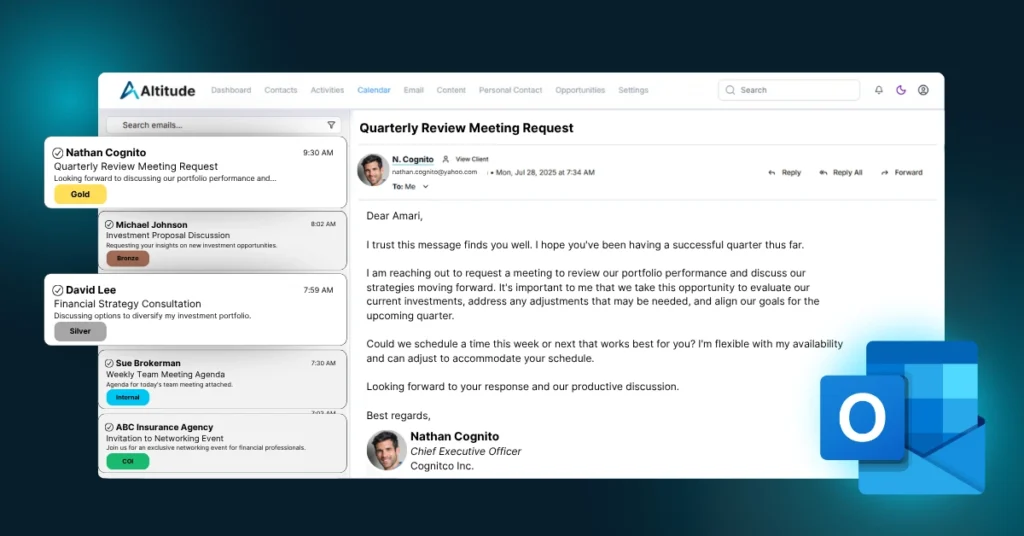
Email Sync Returns (Beta)
Email Sync is now active again. Before reconnecting, perform a hard reset to ensure a clean start. The feature remains in beta, so you may notice a few inconsistencies. If you do, please reach out. Our team can review logs and identify issues quickly to improve performance for everyone.
Click-to-Call and Quick Email
Phone numbers and email addresses throughout Altitude are now interactable. You can click to call through VOIP or send an email directly. This simple update saves time and keeps your workflow uninterrupted.
Personal Contact Workspace Enhancements
You can now manage personal contacts at the household level directly from the contact details page. Some quick actions are not yet linked but will be included in a future update.
Task Management Improvements
You can now update task start and end dates directly from Activity History by clicking on the date fields. Notes can also be added inline with tasks in the Highlights view, making it easier to update and review progress in one place.
Navigation Made Simple
It is now easier to move between Households, Contacts, and Personal Contacts. Direct navigation links have been added to streamline movement across workspaces.
Smarter Quick Notes and Task Displays
The attached document dialog in Quick Notes has been redesigned for a cleaner experience. Long notes in Activity History now collapse by default, keeping pages neat. Note boxes now scroll instead of stretching as you type for a smoother writing experience.
Better Call Tracking
Call-type tasks now automatically link to the appropriate Personal Contact Touch Type for improved accuracy and reporting.
Primary Field Management
Primary fields can now be modified as a category or deleted from household and contact records, giving you greater control over how data is organized and displayed.
Improved Workspace Clarity
The household and contact selector now indicates which view you are currently in, reducing confusion and improving navigation. Further visual refinements are planned in upcoming releases.
Looking Ahead
This week’s update continues our focus on refinement and usability. With Email Sync returning, task management enhanced, and navigation improved, Altitude is becoming more fluid and intuitive each week.
Every improvement, large or small, strengthens the foundation of the platform and supports our vision for a smarter, faster, and more connected experience for advisors and teams.
Thank you for continuing the climb with us. The view from here keeps getting better.