Scheduling Software for Financial Advisors

Less Scheduling, More Advising

Altitude Bookings gives you a branded booking page that drops every scheduled item directly into your CRM, with no back-and-forth, no double entry, and no second calendar to reconcile.

Altitude CRM UIUX Design (2)

Share. Book. Prep.

Scheduling that finally ends the back-and-forth.

1

Share one link.

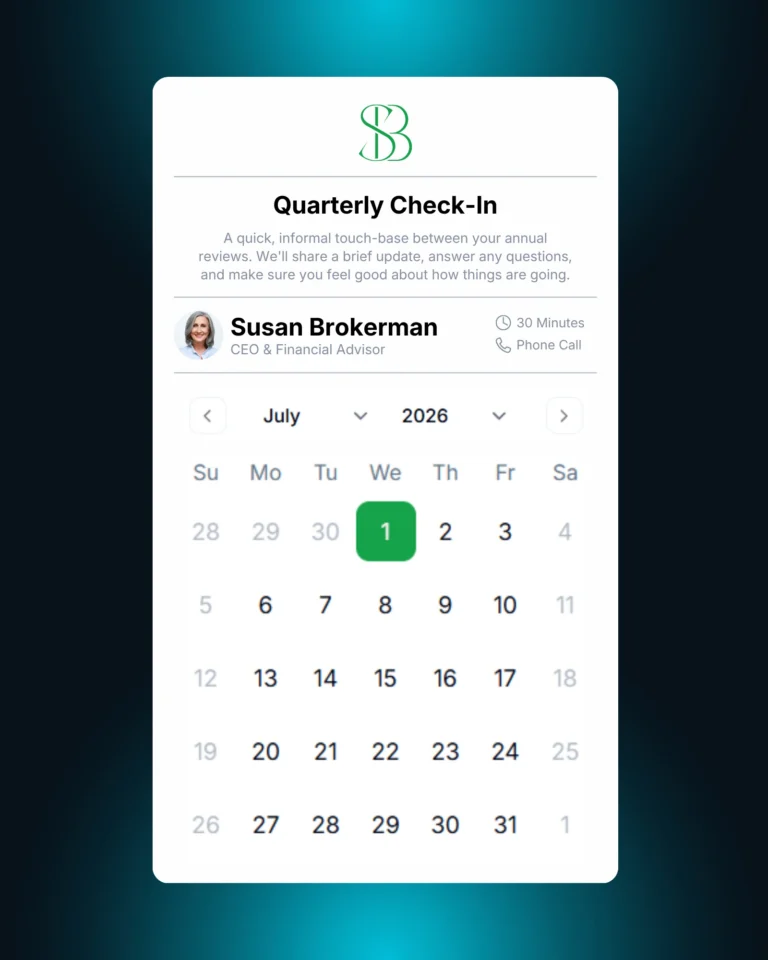
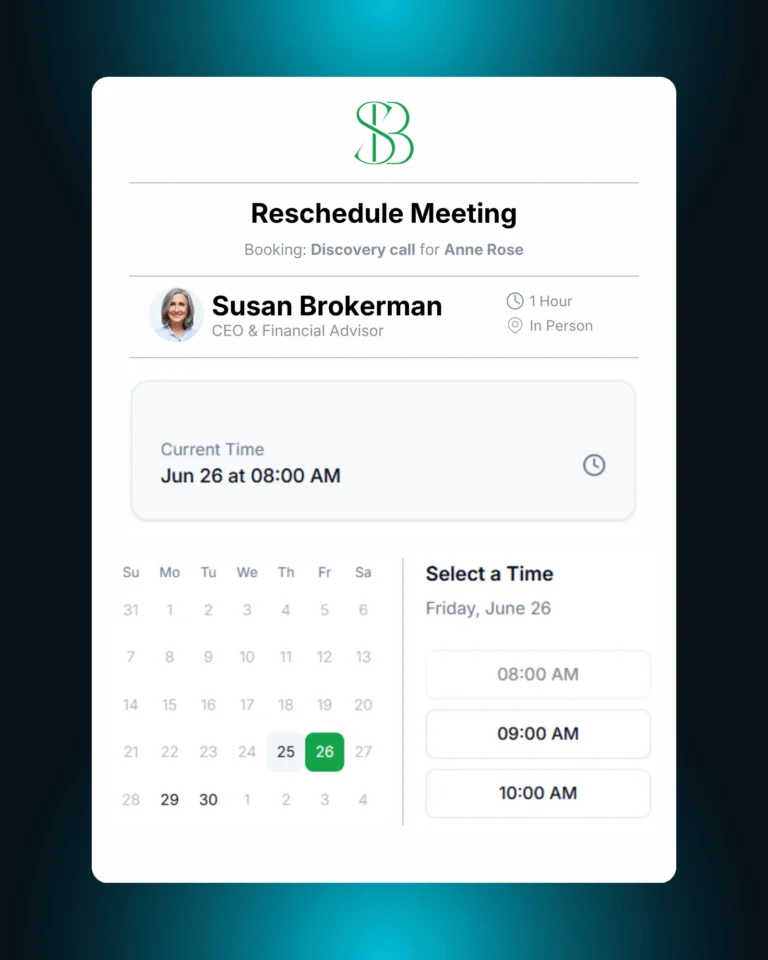
Send a branded booking page or embed it on your site. Prospective clients self-schedule from your real-time availability, in their own time zone.

2

Book the right way.

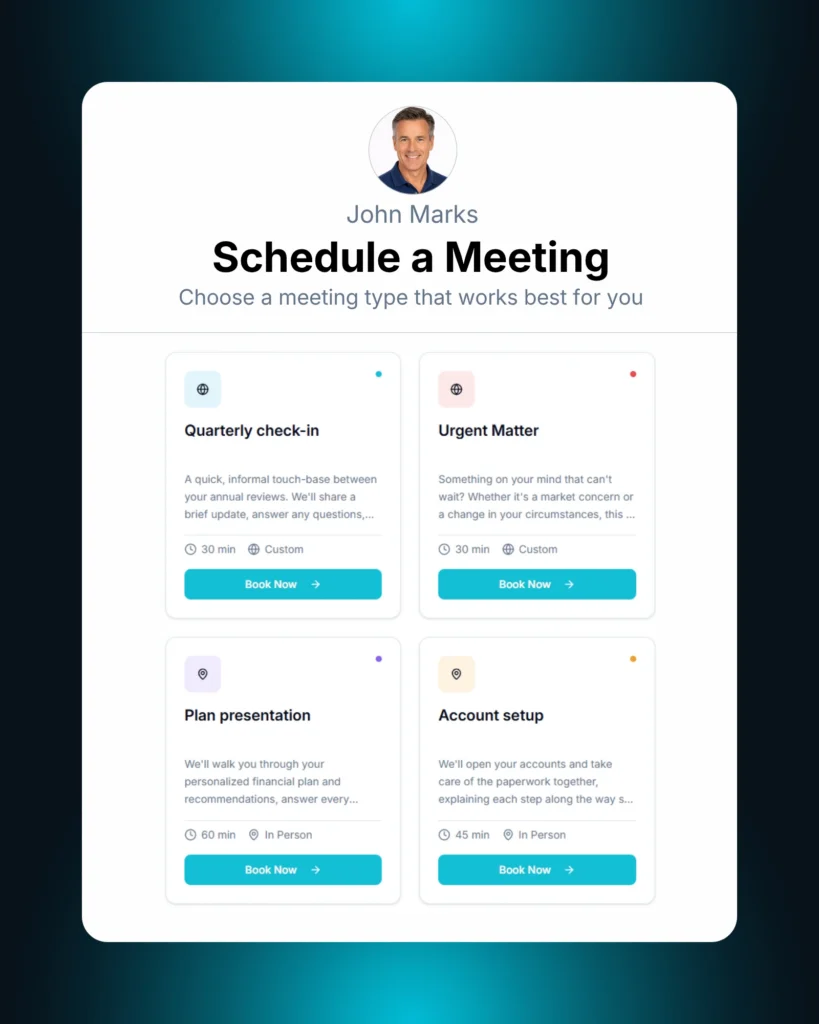
Each meeting type carries its own length, location, and video link. Clients self-select, and the booking lands on their profile, not in a separate tool.

3

Walk in prepared.

Every booking becomes a scheduled activity on the client record, synced to your calendar and ready to feed meeting prep.

Why it Works

Scheduled meetings done right.

When the scheduling page and the client database are the same system, a booking is never just a calendar invite. It arrives attached to the client, on their profile, in the CRM your team already works in. The follow-up, the prep, and the history all have somewhere to live, automatically.

Financial Advisors Altitude CRM

Join hundreds of advisors using Altitude Bookings

Context loads from the relationship, not a snapshot.

A confirmed time becomes a scheduled activity on the client’s record in Altitude, not an orphaned event in a separate scheduling app. The relationship file stays complete.

Every meeting builds the relationship file.

Two-way calendar sync with Google Calendar and Outlook means the slots clients see reflect your real availability, and a booked meeting shows up everywhere at once. No double entry, and no double-bookings.

One unified platform, one place to look.

The scheduling page, the calendar, the client record, and the meeting that follows all live under the same roof. One vendor, one login, one source of truth.

Pre-Meeting Prep

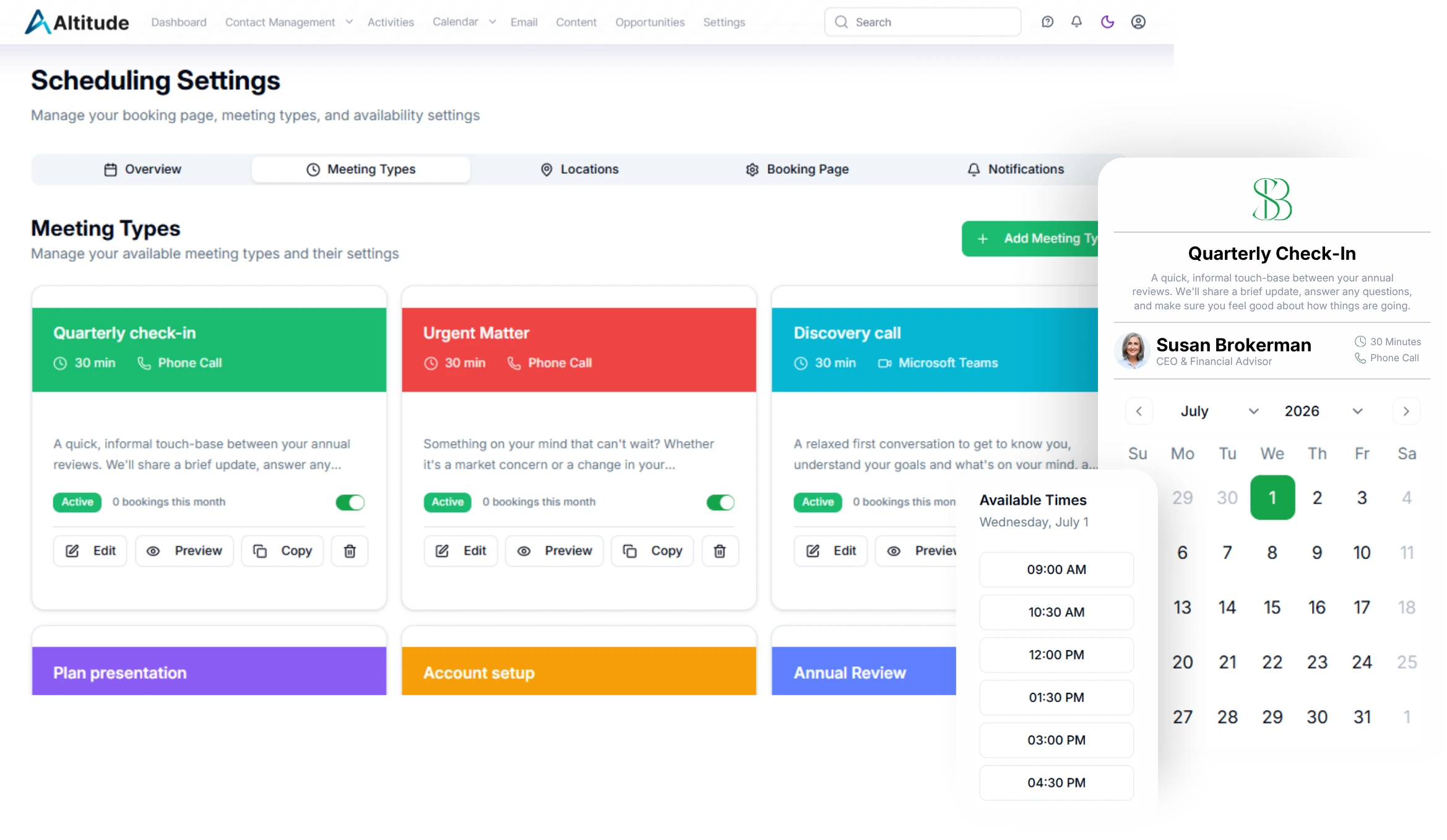
The right meeting, configured once

You don’t run every meeting the same way, so your booking page shouldn’t either.

Set up a meeting type once and it carries everything it needs: how long it runs, where it happens, which video link to attach, how many people can join, and the color it shows in your calendar.

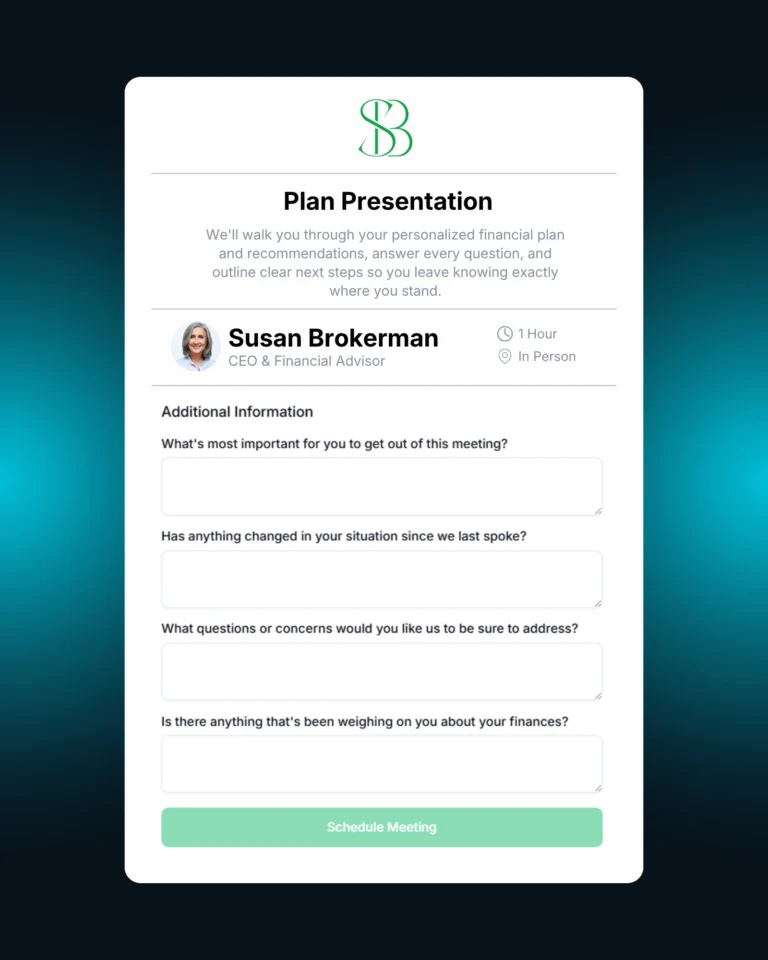
A 30-minute intro call gets a Zoom link and a short intake form. A 90-minute annual review books a conference room and pulls the questions you actually want answered before the client arrives.

You set it up once. It works every time after that.
Schedule a Meeting with Altitude CRM

Built into the booking page

Everything the booking needs, attached.

Less coordination, fewer gaps

The scheduling busywork, gone.

A meeting scheduler only helps if it removes work instead of moving it around. When you automate scheduling, each of these gaps closes on its own, the ones that used to cost your team a phone call, an email, or a missed meeting.

Fewer scheduling emails.

Clients pick from your real availability and confirm in one step, so the back-and-forth of proposing times and waiting for replies disappears from your team’s day entirely.

Fewer no-shows.

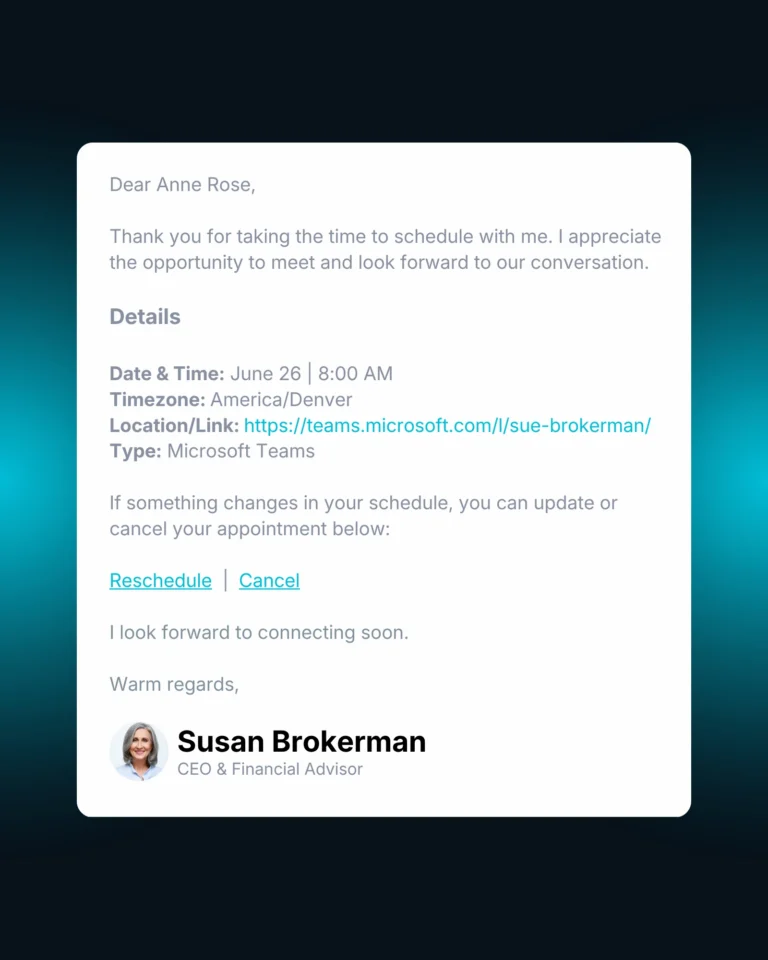
Automated emails confirm every booking and remind both host and invitee, so meetings stay top of mind and the slots you opened don’t go quietly empty.

Fewer double bookings.

Bidirectional calendar sync keeps the booking page matched to your real schedule, so two clients can’t claim the same hour and your blocked focus time stays protected.


Fewer dropped threads.

Every booking lands as a scheduled activity on the client profile, so the meeting is on the record from the moment it’s set, not after someone remembers to log it.

Cancel the Calendly subscription

Scheduling belongs in your CRM. Altitude Bookings puts it there, so the booking page and the client record are finally the same system.

Scheduling Software for the Advisory Practice

One scheduling page, three teams it works for

Clients self-schedule into the right meeting type, so advisors stop trading emails to find a time and get that hour back for planning work.

Each booking lands as a scheduled activity on the client profile and feeds appointment prep, so the wealth picture and open items are ready before the client arrives.

Intake answers, the meeting, and the follow-up all save to the client record in the CRM, so nothing about the relationship lives in a separate scheduling tool.

Scheduling for financial advisors made easy with Altitude Bookings

A booking link in an email or on your site lets prospects self-schedule the moment they’re interested, so your team connects while the intent is still warm.

Every booked intro becomes a scheduled activity on the contact, ready to move through the pipeline stages your team already uses, from first appointment to close.

Custom intake forms gather what the sales assistant needs up front, so the first conversation starts on substance instead of the basics, and unqualified bookings are easy to spot.

Scheduling software for Financial Advisor Sales Teams

Clients book service appointments from real-time availability instead of calling in, so your team coordinates less and resolves more.

Automated confirmation and reminder emails go to both sides, so service reviews and paperwork meetings hold and fewer slots go empty.

Each booking is a scheduled activity on the client record, so the service history stays complete without anyone stopping to write it down.

Scheduling software for Advisory Service Teams
Give your prospects an easier way to book.

Your booking link is often your first impression. Let’s make it a good one.

Pathfinder AI

Ask which clients haven’t had a meeting in 90 days, who mentioned an inheritance last quarter, or what came out of last Tuesday’s review.

AI Meeting Intelligence

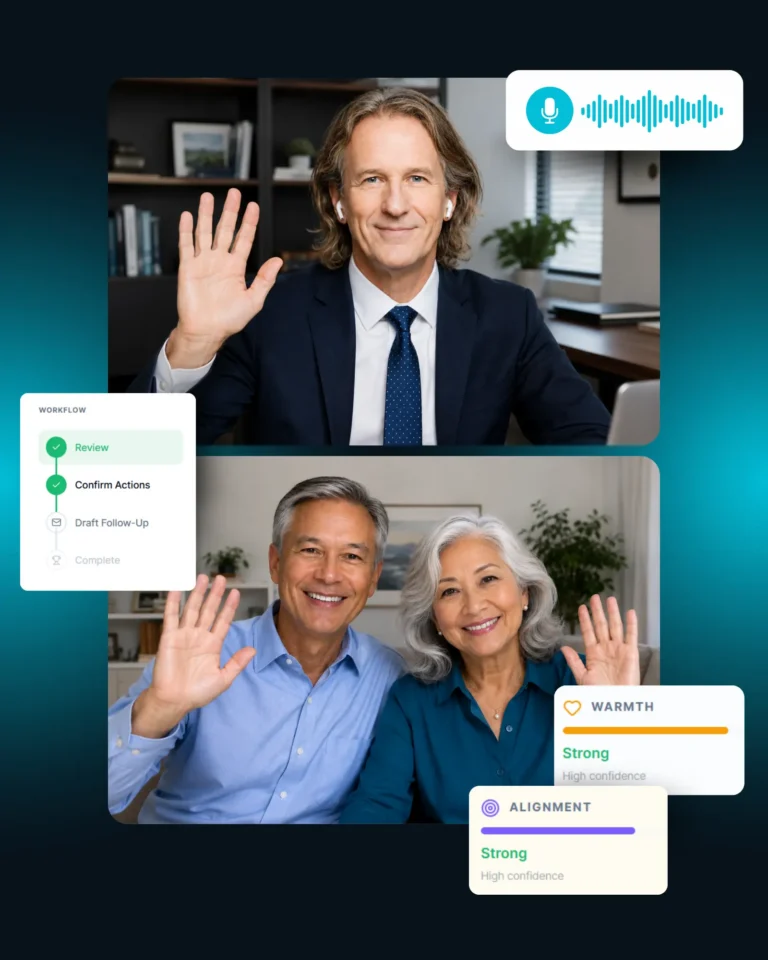
The meeting your client booked, prepped, captured, and followed up on automatically, with everything saved to their profile.

Opportunity Management

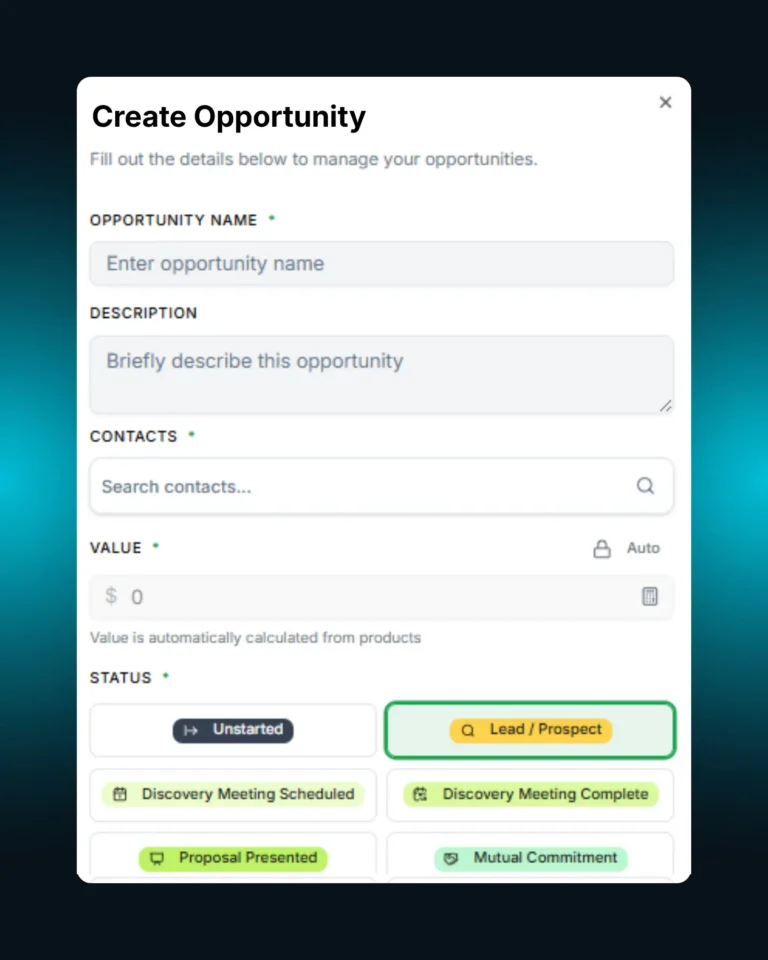
New business surfaced in meetings becomes new business in your pipeline, flagged the moment it’s mentioned.

Explore our entire platform, built specifically for financial advisors

FAQs

The Answers To Your Questions

Each meeting type can carry a Zoom or Microsoft Teams link, generated and attached to the confirmation automatically.

Yes. Two-way calendar sync keeps Google (Gmail and Google Calendar) and Microsoft (Outlook) matched to your booking page, so clients always see real-time availability and you never field double-bookings. These calendar integrations run on the same sync the rest of Altitude uses.

Yes. Clients book in their own time zone and the confirmed time lands correctly on your calendar.

Calendly is a standalone scheduler that sits outside your client data. Altitude Bookings is an appointment scheduling software built into the CRM financial advisors already run on, so a booking page here writes straight to the client record instead of into a separate app you reconcile later.

Altitude is the CRM and practice management system, so Bookings lives natively inside it rather than syncing into a separate Salesforce or Redtail. The booking, the client record, and the calendar are already one system.

Yes. Altitude connects to thousands of apps through Zapier, so you can automate scheduling-related workflows and pass data to the rest of the tools your firm already uses.

Yes. Share the branded booking URL directly, or embed the booking widget on your site so clients schedule without leaving your pages.

Yes. In Altitude Bookings you can add custom intake forms to any meeting type to gather what you need up front, so you start the conversation with the context already in hand.

Catch prospects while they're ready.

The best time to book a meeting is the moment someone wants one. Let’s not make them wait.